
Your handwriting, understood.
The XNote app turns pages from XNote Write into text, answers, tasks and follow-ups, on iPhone, iPad, Android and the web. Setup starts by pairing your XNote pen.


XNote Write · $199
Four things you'll use every day.
-
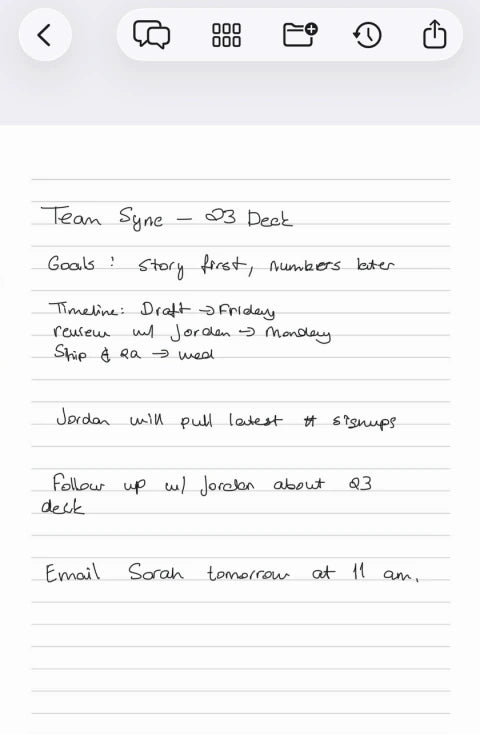
Turn it into text
Tap once to see your handwriting as editable text.
-
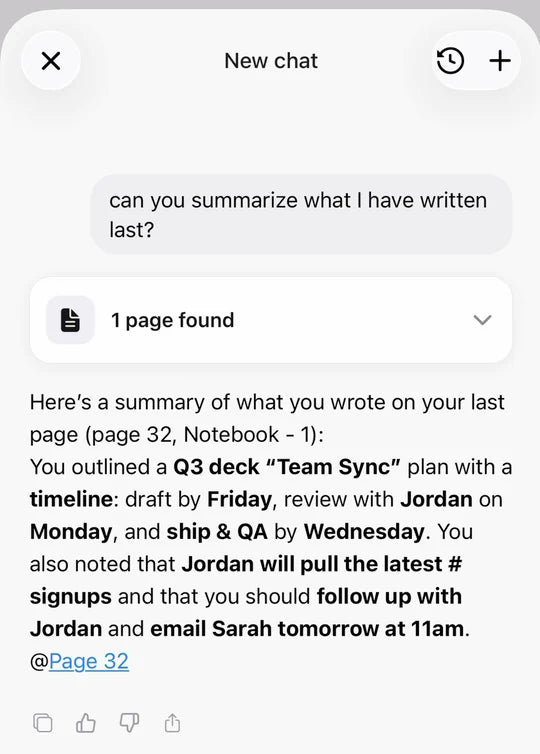
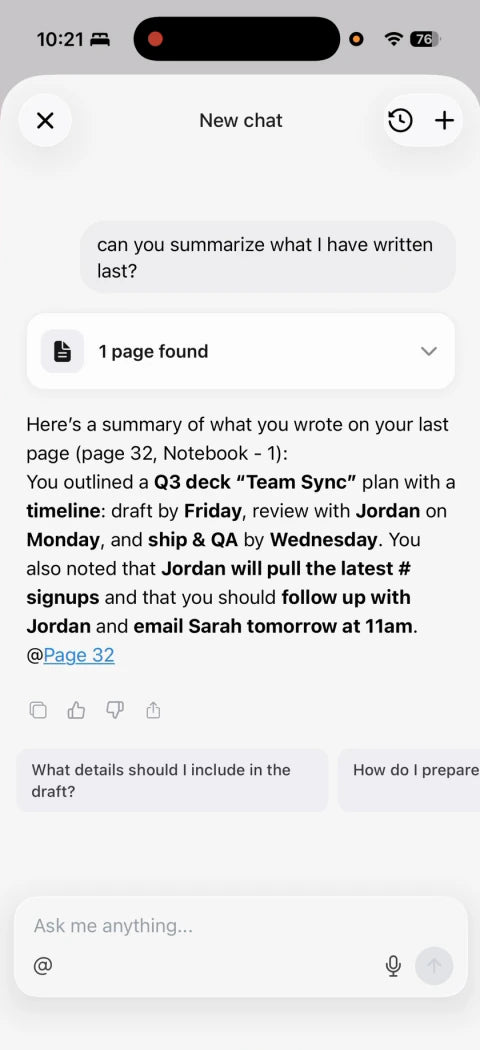
Ask and summarize
Ask a question and get the answer from your own pages.
-
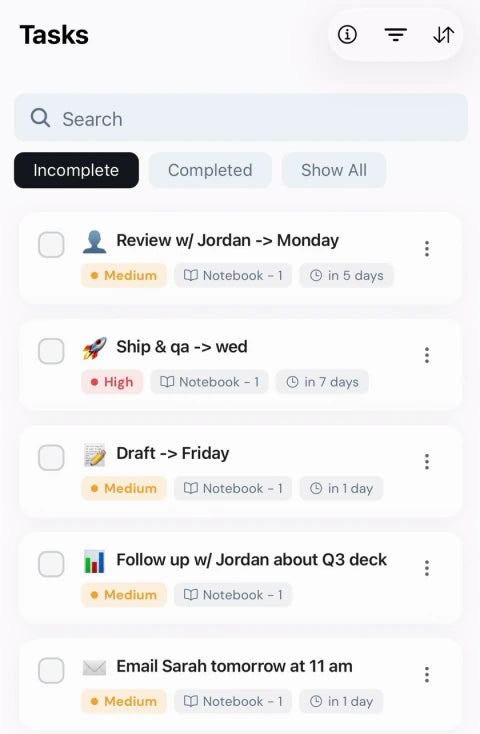
Tasks and events
To-dos and dates you write are picked out for your list and calendar.
-
Share and export
Send a page as PDF, Word or Markdown, or share a link.


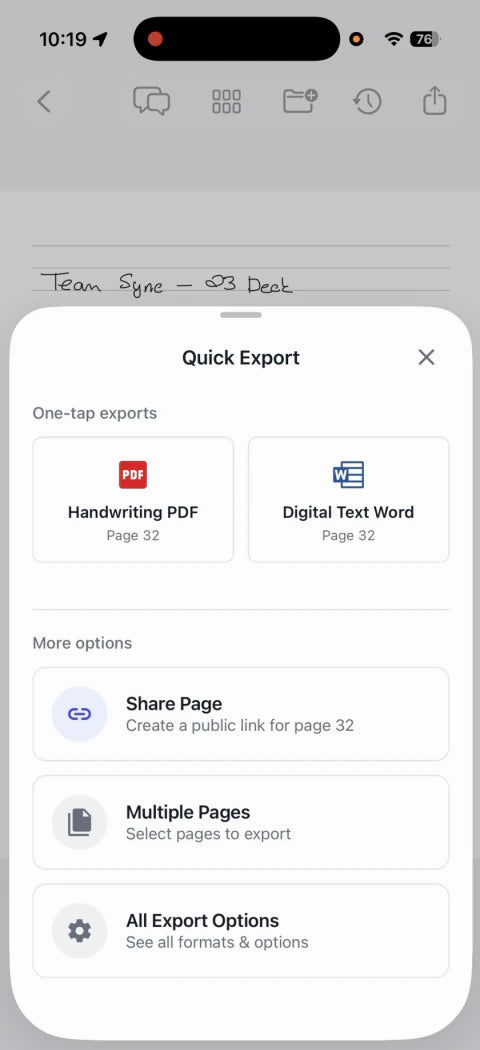
Your original page is kept as you wrote it, drawings included.
Your pages and the conversation, together.
Record in the room with the app on your phone, or let the meeting recorder join your Zoom, Google Meet and Microsoft Teams meetings from your Google or Outlook calendar. It records, transcribes and emails you a summary. Link the pages you wrote, and AI uses both when you ask questions.
Recording uses audio minutes: 150 a month on Free.
XNote Voice records phone calls. It's on pre-order now.
Do I need Pro to record meetings? What if I run out of minutes?
Not to try it. The Free plan includes 150 audio minutes a month for recording with the XNote app. The meeting recorder uses audio minutes too; if you record meetings often, a plan adds more. If you run out, you can still record, but transcription pauses and the meeting recorder stops joining meetings until your minutes renew or you add more.
Does the pen record audio?
No. The pen has no microphone. To record, use the XNote app on your phone, send the meeting recorder to a Zoom, Google Meet or Microsoft Teams meeting, or use XNote Voice for phone calls.
Can the XNote app record phone calls?
No. That's what XNote Voice is for.


Send notes where you work.

Send tasks to Todoist
-
events to Google Calendar or Outlook


-
recaps to Slack or Gmail


-
Connect thousands more apps through Zapier.
Automations use workflows: 1 with Write, more on paid plans.


How your notes are handled
XNote does not use customer data to train general-purpose AI models.
Your pages and recordings are processed in the cloud to turn them into text and answers. Ask us to delete your account and your data is deleted within 14 days, with limited exceptions.
Included with XNote Write
-
Unlimited handwriting-to-text

-
AI chat with your notes, included
-
Search, tasks and events, export and sharing
-
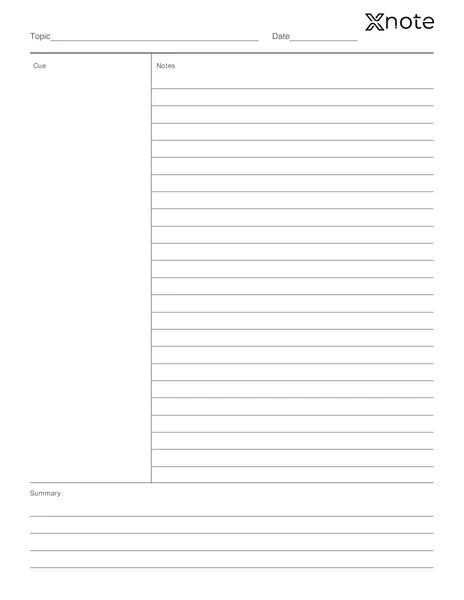
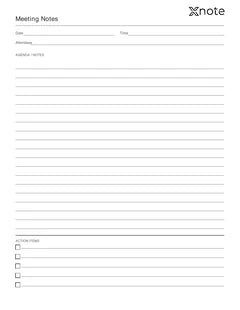
Printable pages from the app
Layout preview -
One workflow to send notes to your tools

Plans for recording more
-
Free
$0
150
Audio minutes a month
- AI chat with your notes
- Included
- Summary templates for recordings
- Default
- Workflows
- 1 workflow
Included with XNote Write
-
Pro
$19/month
$99/year
or $99/year (about $8.25/month)(about $8.25/month)
1,200
Audio minutes a month
- AI chat with your notes
- Included, higher limits
- Summary templates for recordings
- All templates, including Meeting, Lecture, Interview and Sales call
- Workflows
- More workflows
-
Unlimited
$249/year
Most audio minutes
a month
- AI chat with your notes
- Included, higher limits
- Summary templates for recordings
- All templates
- Workflows
- More workflows
Plan details
| Plan | Free | Pro | Unlimited |
|---|---|---|---|
| Price | $0, included with XNote Write | $19/month, or $99/year (about $8.25/month) | $249/year |
| Handwriting-to-text | Unlimited | Unlimited | Unlimited |
| Search, tasks and events, export, sharing, printable pages | Included | Included | Included |
| AI chat with your notes | Included | Included, higher limits | Included, higher limits |
| Audio minutes a month (recording in the app, uploads, meeting recorder) | 150 | 1,200 | Most audio minutes |
| Meeting recorder for Zoom, Google Meet, Microsoft Teams | Uses audio minutes | Uses audio minutes | Uses audio minutes |
| Summary templates for recordings | Default | All templates, including Meeting, Lecture, Interview and Sales call | All templates |
| Workflows | 1 workflow | More workflows | More workflows |
| Unused minutes | Don't roll over | Don't roll over | Don't roll over |
- Plans bought on xnote.ai arrive by email as a redeem code for the app. Codes expire after one year.
- Prices in the App Store and Google Play may differ.
- Unused minutes don't roll over. If you run out, you can still record; transcription pauses until your minutes renew or you add more.
- Extra audio minutes are available in the app, in packs of 600, 3,000 or 6,000 minutes.
- Paid plans also raise AI image limits.
Which plan fits?
- Mostly writing? Stay on Free.
- A few recorded meetings a month? Free includes 150 audio minutes.
- Recording most days, or sending the meeting recorder to your Zoom, Google Meet or Microsoft Teams meetings? Pro.
- Recording more than Pro allows? Unlimited.
Questions about plans
Do I need a subscription?
No. XNote Write comes with the Free XNote plan: unlimited handwriting-to-text, AI chat with your notes, search, tasks and events, export and printable pages. Plans are optional and mainly for audio: more recording minutes, plus more workflows and summary templates.
What counts as audio minutes?
Time you record with the XNote app, audio files you upload, and meetings the meeting recorder records. Handwriting never uses minutes.
Do I need Pro to record meetings? What if I run out of minutes?
Not to try it. The Free plan includes 150 audio minutes a month for recording with the XNote app. The meeting recorder uses audio minutes too; if you record meetings often, a plan adds more. If you run out, you can still record, but transcription pauses and the meeting recorder stops joining meetings until your minutes renew or you add more.
Do unused minutes roll over?
No. Minutes renew each billing month and don't roll over.
Can I cancel a plan?
Yes, anytime. Your plan stays active until the end of the billing period, and your notes stay in your account.
Why does the app show me XNote Pro?
After you pair the pen, the app offers XNote Pro. You can close it; everything included with XNote Write keeps working.
I bought a plan on xnote.ai. How do I use it?
We'll email you a redeem code. In the XNote app or at web.xnote.ai, go to Settings → Subscription → Redeem code. Codes expire after one year.
Can I buy extra minutes?
Yes. Extra audio minutes are available in the app, in packs of 600, 3,000 or 6,000 minutes.
Will XNote Voice need a plan?
Plans for XNote Voice haven't been announced yet.
I have a Lifetime membership.
Visit the Help Center or email support@xnote.ai.
Already have XNote Write?
Plans bought here arrive by email as a redeem code. Bought a plan in the app? Manage it in your App Store or Google Play settings.
No subscription needed for XNote Write.
- Handwriting-to-text is unlimited, and AI chat with your notes is included.
- The Free plan includes 150 audio minutes a month.
- Plans are optional and mainly for audio.
XNote Write$199
Shop XNote WriteShop XNote Write — $199Already have the pen? Get the app

