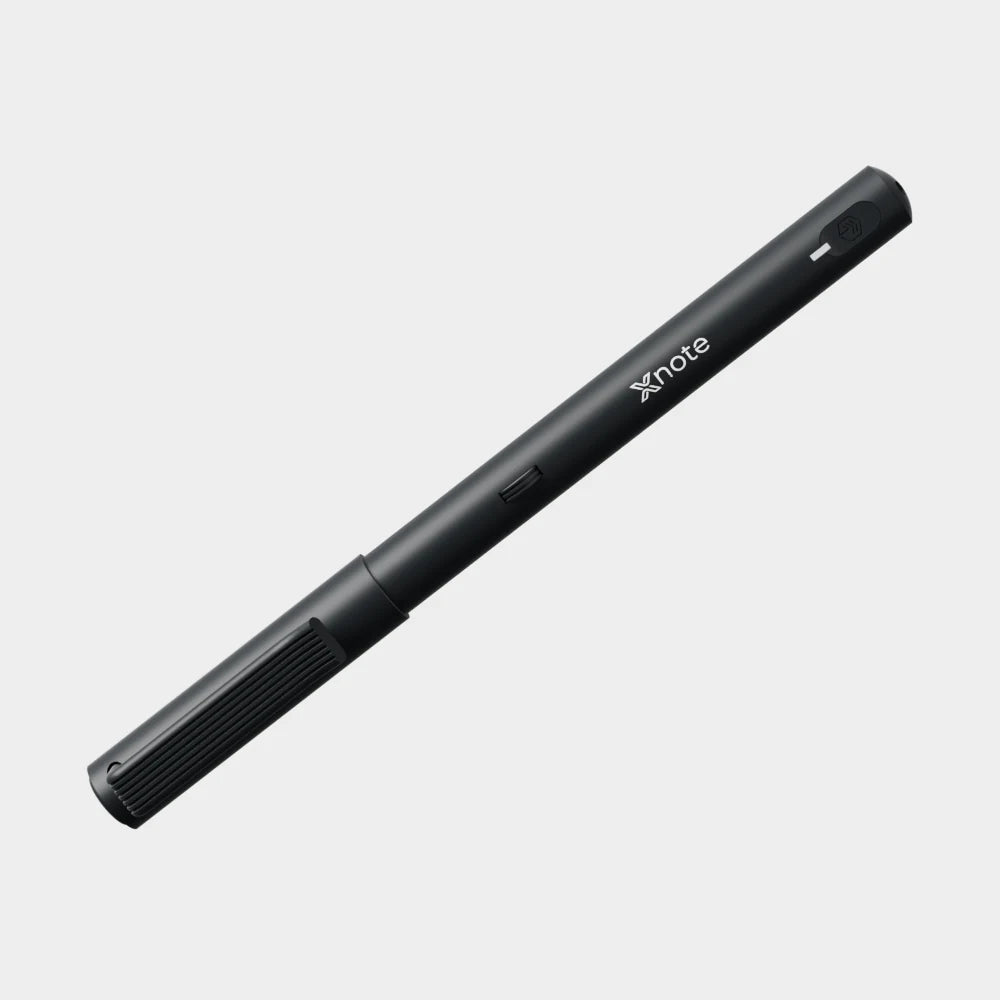
XNote Write · $199
Out of notebook? Print your next pages.
XNote Write also works on XNote printable pages. Make them in the XNote app, then print them on a laser printer.

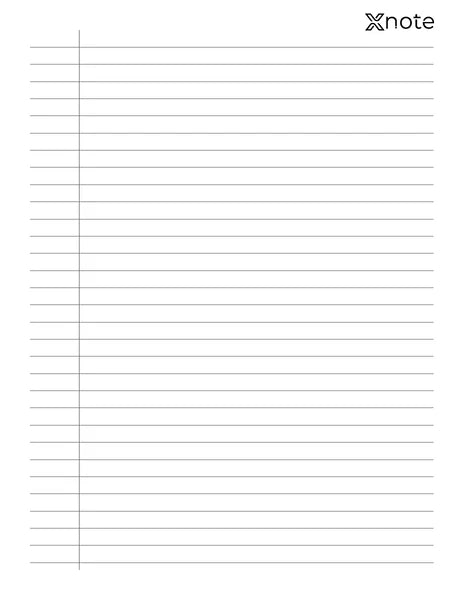
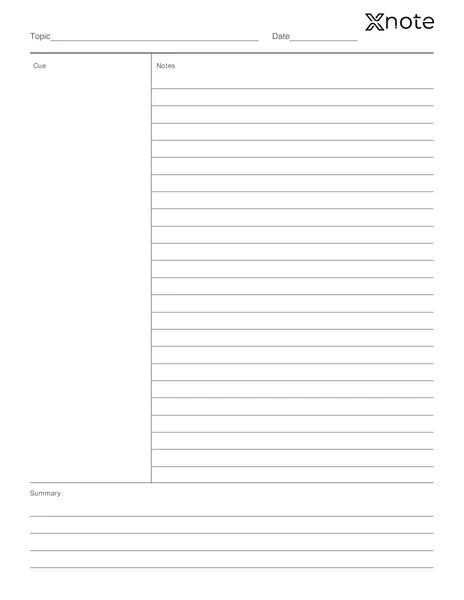
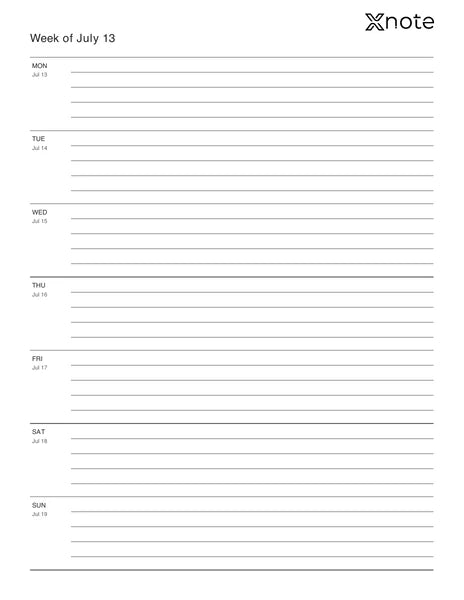
Which paper works.
Ordinary paper
Won't sync. The pen reads a tiny pattern printed on XNote paper.
XNote notebooks
Mini, Standard and Large, from $19.
XNote printable pages
A unique pattern on every sheet.
One pen, both kinds of paper. Ink refills are standard D1, $12 for five.
Printer checklist ↓Three steps
-
Pick a layout in the app.
-
Choose how many pages. The app makes a PDF with a unique pattern and page number on every sheet.
-
Print on a laser printer at 100% (actual size).
Before you print
- Laser printer, 600 dpi or better
- Genuine toner. Refilled or remanufactured toner may not work.
- Print from a computer in a PDF app such as Adobe Acrobat Reader, at 100% (actual size), never 'fit to page'
- PS or PCL printer driver
- Plain white paper, about 21 lb bond (80 g/m²) or heavier. Standard 20 lb copy paper is lighter than this. No recycled, textured, colored or letterhead paper.
- Turn off ECO, draft, toner-saving and grayscale modes.
- Paper size: US Letter or A4, whichever you choose in the app
- Inkjet prints can't be read by the pen
- No laser printer? A print shop such as FedEx Office or Staples can print the PDF. Ask for laser prints at 100% (actual size).
Print one test sheet first.
Layouts
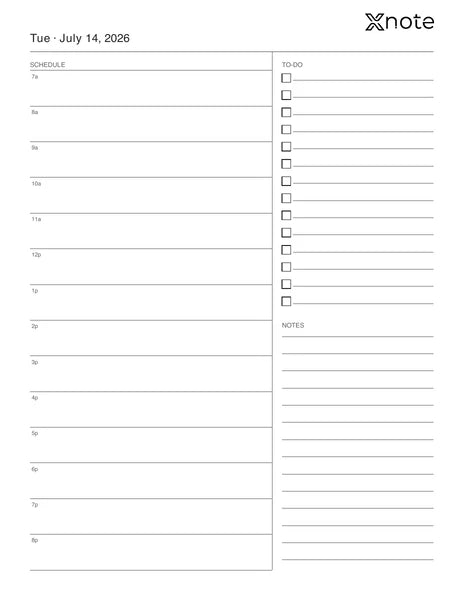
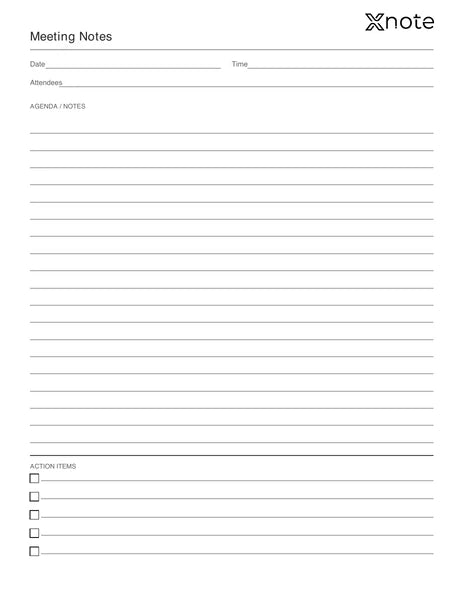
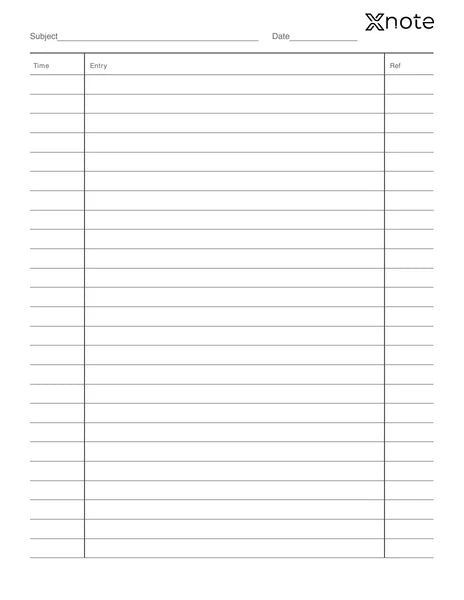
Layout previews. The app adds the pattern and page numbers when you print.

Daily Planner
Paper and ink
Can I print the page previews on this site?
No. Print from the XNote app, so every sheet gets its own pattern and page number.
Can I reprint a batch?
Yes. You can download any past batch again from the app.
Do printable pages cost anything?
No. They’re included with XNote Write: you make them in the XNote app and print them on your own laser printer.
Do I need internet to make pages?
Yes, to prepare and download them in the app.
Does it work on any paper?
No. The pen reads a tiny pattern printed on XNote notebooks and on pages you print from the XNote app. On ordinary paper, it's just a pen.