
How XNote works.
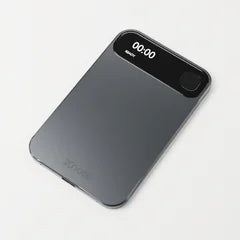
XNote Write captures what you write. XNote Voice, a standalone recorder on pre-order now, records your calls. Each works on its own with the XNote app.
- 22,000+ note-takers in 96 countries


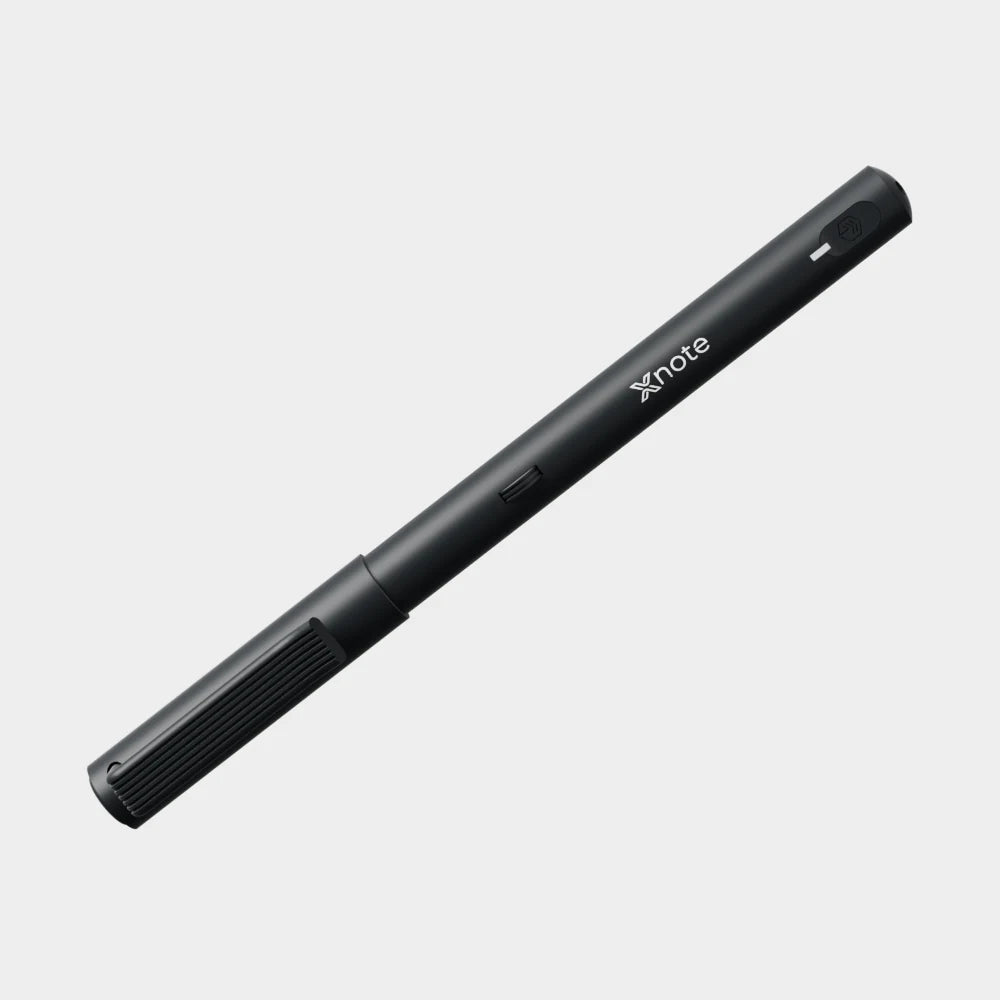
XNote Write · $199
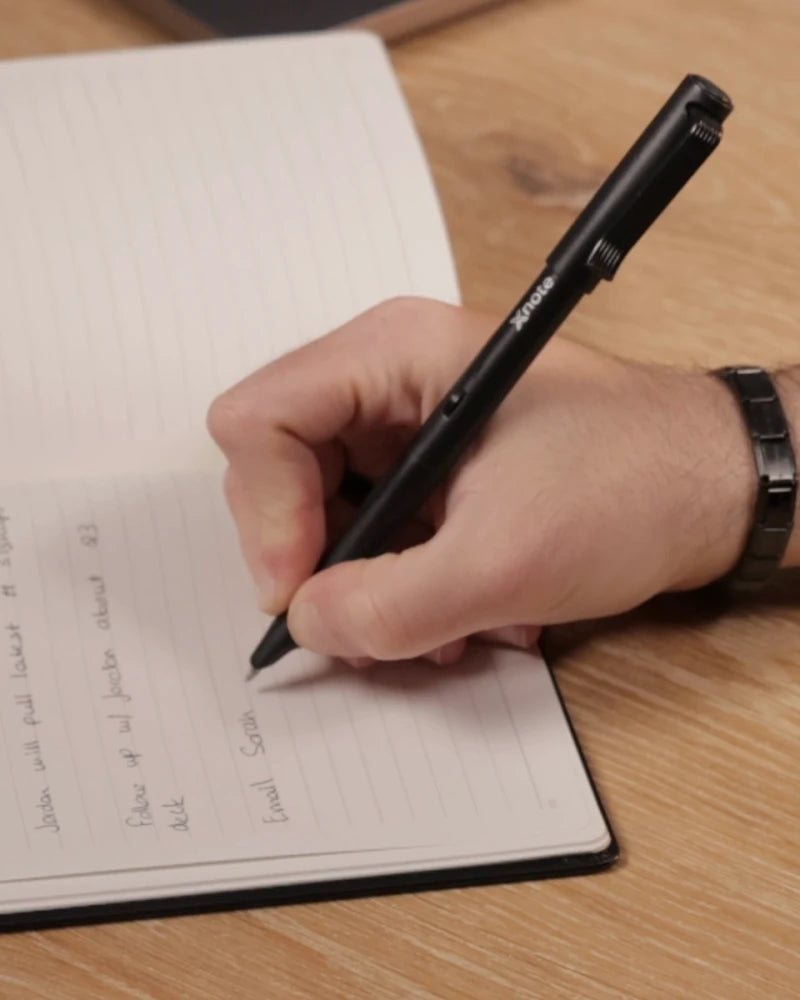
The pen reads the page as you write.
An optical sensor in the pen reads a tiny pattern printed on XNote paper (an XNote notebook or a page you print from the XNote app), so every stroke lands on the right page in the app, live over Bluetooth.
Away from your phone, the pen stores up to 1,000 pages; import them when you reconnect.
It writes with standard D1 ink and runs up to 17 hours per charge.
The first pairing, handwriting-to-text and AI need an internet connection.

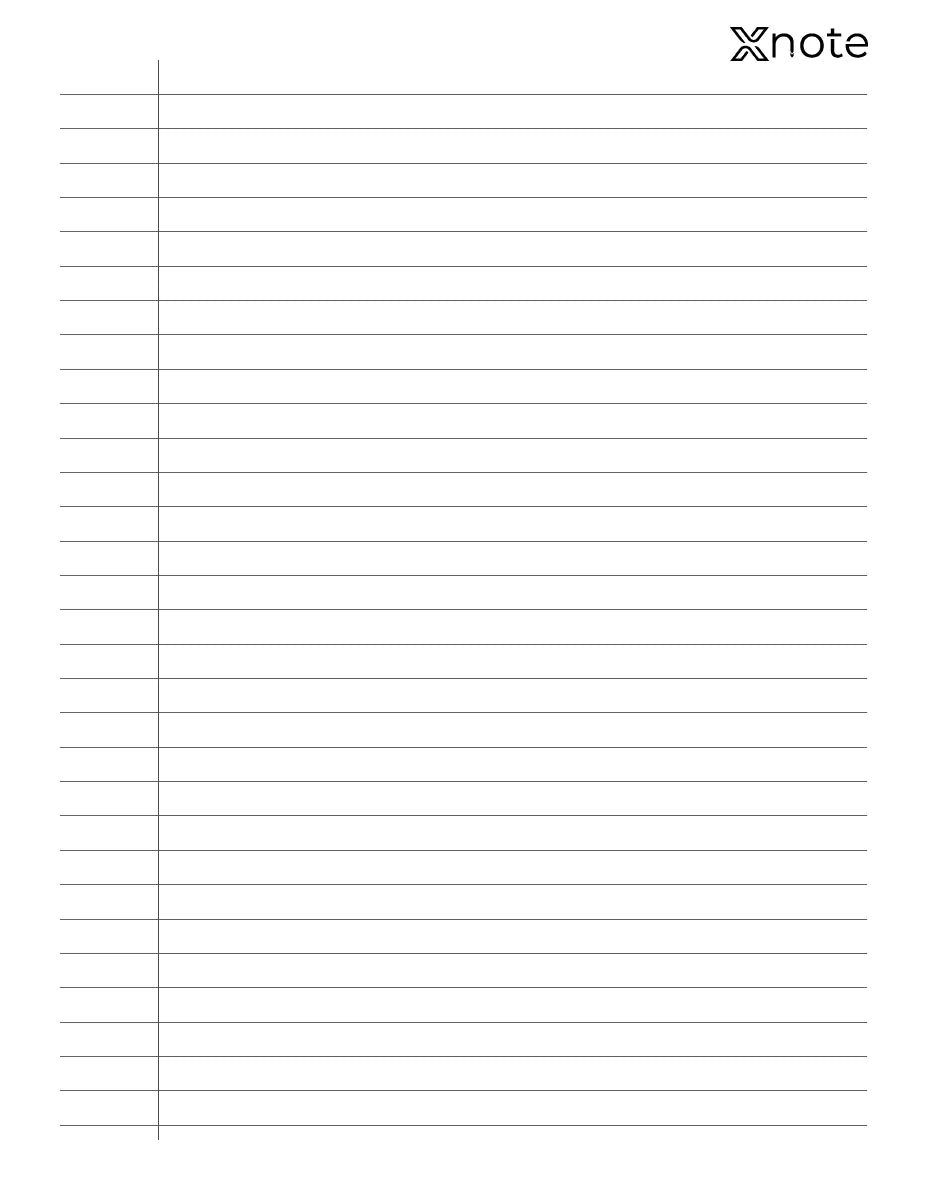
Out of pages? Buy a notebook or print your own.
Ordinary paper
Won't sync. The pen reads a tiny pattern printed on XNote paper.
XNote notebooks
Mini, Standard and Large, from $19.
XNote printable pages
Made in the XNote app. Print them on a laser printer.
What the app does with a page.
-
Turn it into text
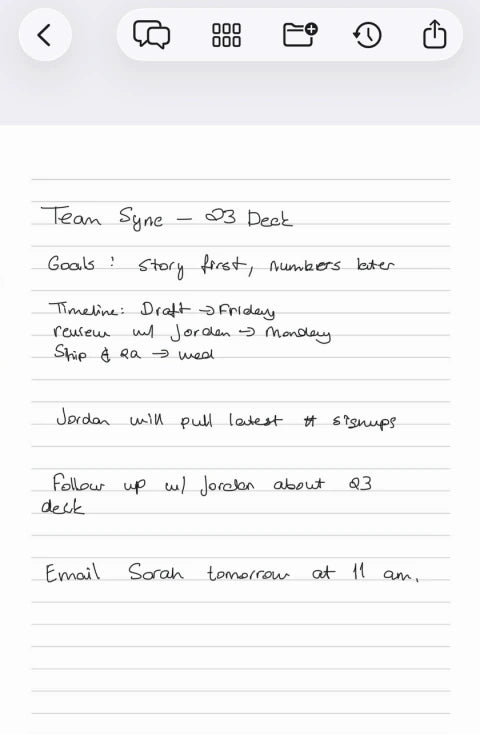
Tap once to see your handwriting as editable text.
-
Ask and summarize
Ask a question and get the answer from your own pages.
-
Tasks and events
To-dos and dates you write are picked out for your list and calendar.
-
Share and export
Send a page as PDF, Word or Markdown, or share a link.


Your original page is kept as you wrote it, drawings included.
Connect Google Calendar, Gmail, Google Drive, Slack, Todoist and Outlook Calendar, and thousands more apps through Zapier.
Write and Voice, alone or together.

| Feature | XNote Write alone | XNote Voice alone | Both |
|---|---|---|---|
| Price | $199 Ships Nov 20 | $159 Pre-orderTarget shipping: Q1 2027 | Each at its own price |
| Captures | What you write by hand, as you write it | Your phone calls | Your handwriting and your calls |
| Records audio | The pen doesn't; it has no microphone. The XNote app can record meetings on your phone. | Yes, your phone calls | Phone calls with XNote Voice; meetings with the XNote app |
| You need | XNote paper and the XNote app on iPhone, iPad, Android or the web | A phone to attach it to and the XNote app | Both setups |
| In the app | Text you can edit and search, AI chat, tasks and events, export and sharing | Transcripts and summaries of your calls | Your pages and recordings in one XNote account |
| Subscription | Not needed | To be announced | Write features stay free. |
No subscription needed for XNote Write.
Handwriting-to-text is unlimited, and AI chat with your notes is included.
The Free plan includes 150 audio minutes a month.
Plans are optional and mainly for audio.
Your first day with XNote.
-
Install the XNote app from the App Store or Google Play, or open web.xnote.ai.


-
Pair the pen. The first pairing needs internet.
-
Write your first page and watch it appear.


Why does the app show me XNote Pro?
After you pair the pen, the app offers XNote Pro. You can close it; everything included with XNote Write keeps working.
Can I use more than one notebook?
Tell the app which notebook you're writing in by setting it as primary. This matters when you write in a Mini or Large notebook, or use two notebooks of the same size, because same-size notebooks share a page pattern.

Watch the full setup guide.
A 17-minute walkthrough: set up the smart pen and notebook, and use them with the XNote app.
Open on YouTube →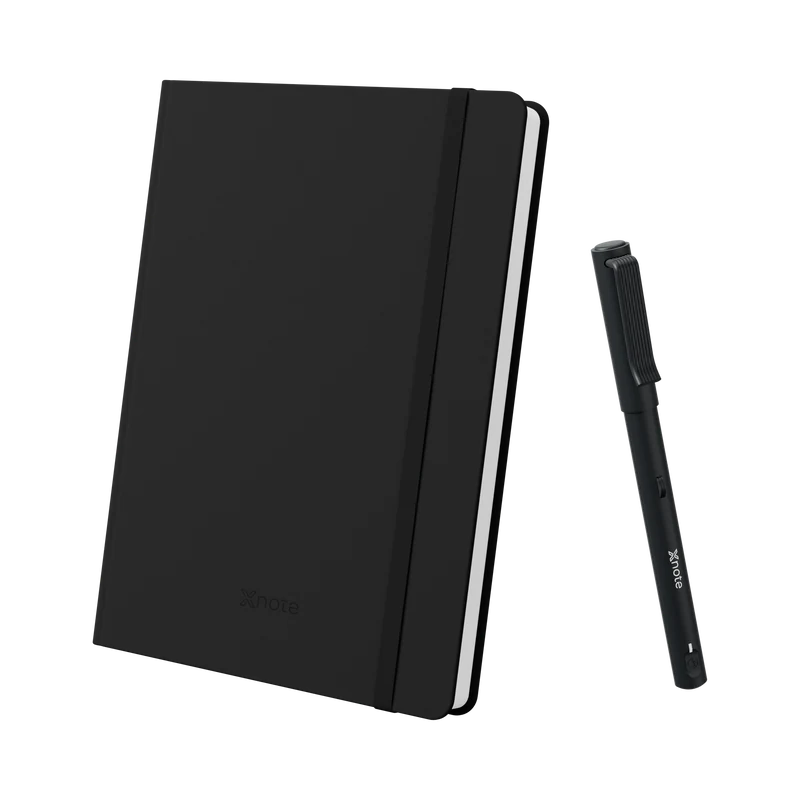
XNote Write$199
No subscription needed.