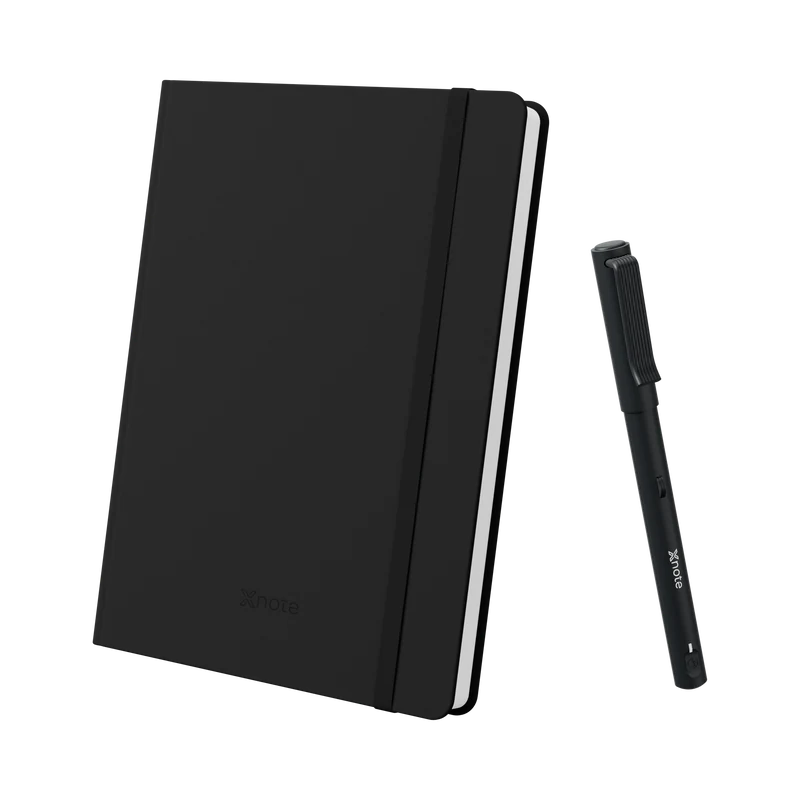
XNote Write, an iPad or a photo of the page?
Including when something else is the better fit.
- No subscription needed
- 30-day returns
- 12-month pen warranty
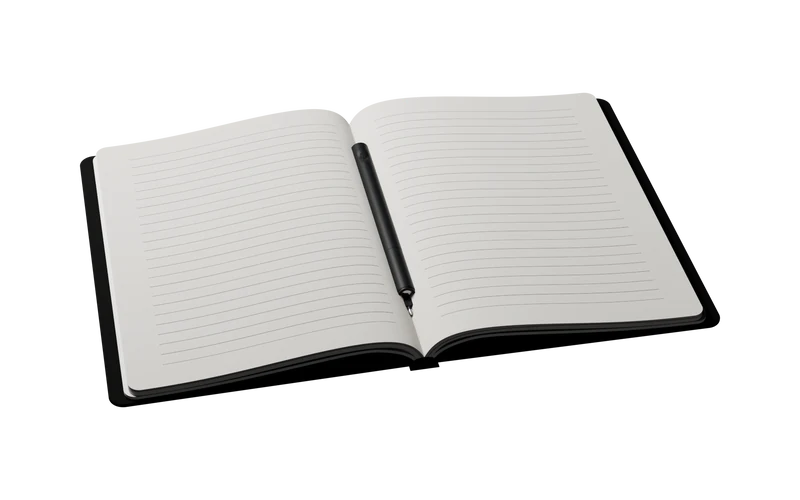


XNote Write · $199
Cost to start
Competitor prices from each brand's US site, checked October 9, 2026.
-
The phone you own
-
From $34.99
Scan each page with the phone app
(notebook; FriXion pen included)
-
XNote Write
$199
Captured as you write
(pen, notebook, app)
-
$399
E-paper screen and marker
(Paper Pro Move $449, Paper Pro $629)
-
$528
A glass screen
($449 iPad + $79 Apple Pencil USB-C), before any app plan
XNote Write vs iPad + Apple Pencil vs a photo of the page
| Feature | XNote Write | iPad + Apple Pencil | Photo of the page |
|---|---|---|---|
| You write on | Paper, in real ink | A glass screen | Paper, in real ink |
| Getting it digital | Captured as you write | Already digital | Photograph each page afterward |
| Handwriting to searchable text | Included, no subscription | Built into Apple Notes (free); other apps vary | Depends on the app |
| Ask AI about your notes | AI chat included | Depends on the app and plan (Goodnotes AI Pass: +$9.99/month) | Depends on the app |
| Away from the device | The pen stores up to 1,000 pages | The iPad is the notebook | Photograph pages later |
| Needs its own paper | Yes: XNote notebooks, or pages printed from the app on a laser printer | No | No |
Choose a photo if you write a page now and then.
Choose an iPad if you want to draw in color, mark up PDFs or carry one device for everything.
Choose XNote Write if you fill notebooks and want them searchable without scanning.
Why not just take a photo of the page?
A photo captures the page after you're done. XNote captures every stroke as you write, with nothing to scan, and turns your pages into searchable text, tasks and events. If you only write a page now and then, a photo may be all you need.
Why not an iPad or my phone?
You write in real ink on paper, not on glass, and no notifications pop up on the page. The set costs $199; an iPad with Apple Pencil starts at $528. Handwriting-to-text is included with no subscription. If you want to draw in color or mark up PDFs, a tablet is the better tool.
Competitor prices from each brand's US site, checked October 9, 2026.
XNote Write vs Rocketbook Core
| Feature | XNote Write | Rocketbook Core |
|---|---|---|
| Getting it digital | Captured as you write | Scan each page with the phone app |
| Pages | XNote notebooks (from $19) or printable pages from the app | Reusable: write, scan, wipe. Free printable PDFs. |
| Print-at-home pages | Free from the XNote app; print on a laser printer | Free PDFs; scanned with the phone |
| App | Free plan included | Free app (OCR, Smart Titles, cloud destinations) |
| Writing away from your phone | The pen stores up to 1,000 pages | Scan later |
Choose Rocketbook for the lowest price and reusable pages, if scanning each page is fine.
Choose XNote Write if you don't want to scan.

XNote Write vs reMarkable Paper Pure
“I have a remarkable as well but missed the feel of having a real notebook so thought I'd try this out.”
| Feature | XNote Write | reMarkable Paper Pure |
|---|---|---|
| Writing surface | Paper and ink | E-paper screen and marker |
| Handwriting to text | Included | Included |
| Return window | 30 days | 50 days |
| Needs its own paper | Yes: XNote notebooks, or pages printed from the app on a laser printer | No (it's a screen) |
Choose reMarkable if you want to read and annotate PDFs on one paper-like screen.
Choose XNote Write if you want actual paper.